


10 Best Alternatives to TransferNow for Faster and Cheaper files Transfer in 2025
Sharing large files quickly, securely, and affordably is crucial these days. Whether it’s creatives sending huge video files or businesses sharing important reports worldwide, using outdated file-sharing tools can slow things down and drive up costs. While many people have relied on TransferNow, issues like file size limits, high fees, and slow transfer speeds are making them look for a better solution.
Key Points:
- Many users are looking for a faster, more reliable TransferNow alternative for sharing large files.
- Modern platforms like SendMega and WeShare make sending huge files simple, secure, and cost-effective.
- With these tools, you can send large files via email or direct links without worrying about size limits or delays.
This is where a modern Transfer Now alternative comes into play. Platforms like SendMega, WeShare, WeTransfer, and others are designed to help you send large files via email or direct links, manage storage efficiently, and do it all without unnecessary complications.
Top 10 TransferNow Alternatives for 2025
Here’s a ranked list of the Top 10 Transfer Now Alternatives for 2025
SendMega
SendMega is a versatile platform designed for secure file sharing, cloud storage, and online meetings, making it a strong alternative to Transfer Now.

Why SendMega leads as the top Transfer Now alternative
- Offers the best-in-industry 20 GB free file transfer option without requiring a Gmail login.
- Provides options to email the file or simply copy and share a link.
- Option to enable self-destruction for private and one-time file transfers.
- 20 GB of free cloud storage available for Gmail users to save and share files anytime.
If you want a modern, scalable Transfer Now alternative, SendMega offers more value per tool, instead of just “send large files via email or link,” it gives storage and meeting features too.
WeTransfer
WeTransfer is a widely recognized file-sharing platform known for its simplicity and ease of use, making it a popular choice for quickly transferring files.

Overview & how it's a better TransferNow alternative
WeTransfer remains one of the most established file-sharing platforms. Its intuitive interface lets users send files quickly without creating an account, making it great for casual or occasional transfers.
- Trusted by millions worldwide, making it a familiar and reliable choice.
- The free version allows transfers up to 2–3 GB per session, which may be sufficient for occasional use but is limiting for larger projects.
- Paid plans unlock features like larger file transfers, longer storage duration, and additional customization, but they can be relatively expensive compared to other alternatives.
- Drag-and-drop simplicity and no account requirements make it highly accessible.

WeTransfer is a solid Transfer Now alternative for users with moderate file-sharing needs. However, for businesses or professionals handling high-volume or large files, other platforms like SendMega may offer better scalability, storage, and additional features at a more competitive value.
Smash
Smash is a file-sharing platform designed for sending large files with no size limits, making it ideal for creators and professionals handling heavy data transfers.
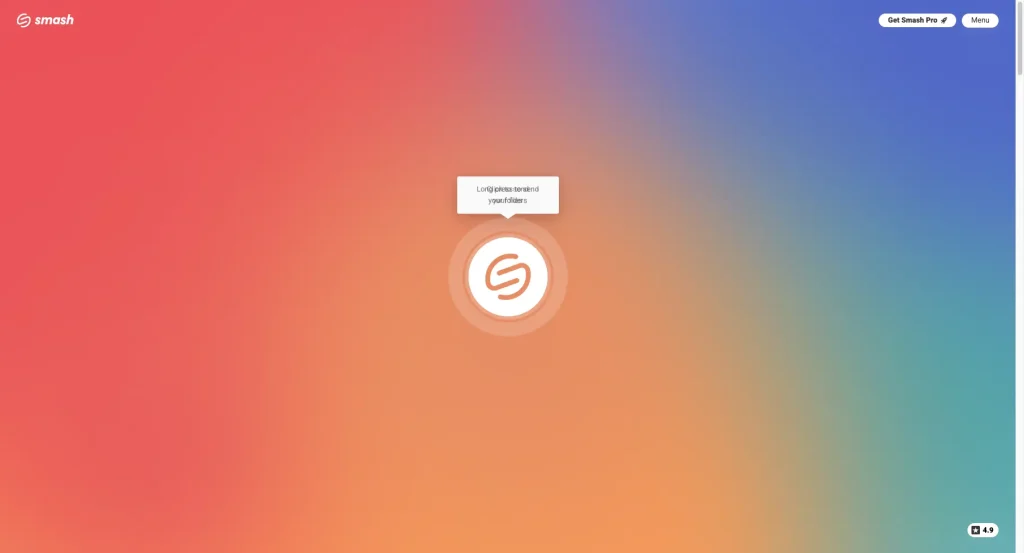
Unlimited size option for large transfers
Smash allows users to send files of virtually any size, positioning itself as a strong TransferNow alternative for those dealing with very large content like videos, designs, or archives.
- “You can easily create transfers for files over 2 GB,” making it perfect for high-volume users.
- Promises secure file sharing without hidden charges, appealing to both individuals and teams.
- Simple interface and drag-and-drop functionality streamline the process of sending large files.
- Messaging like “send large files online – free, secure & unlimited” resonates with creators, agencies, and enterprises needing reliable large-file transfers.
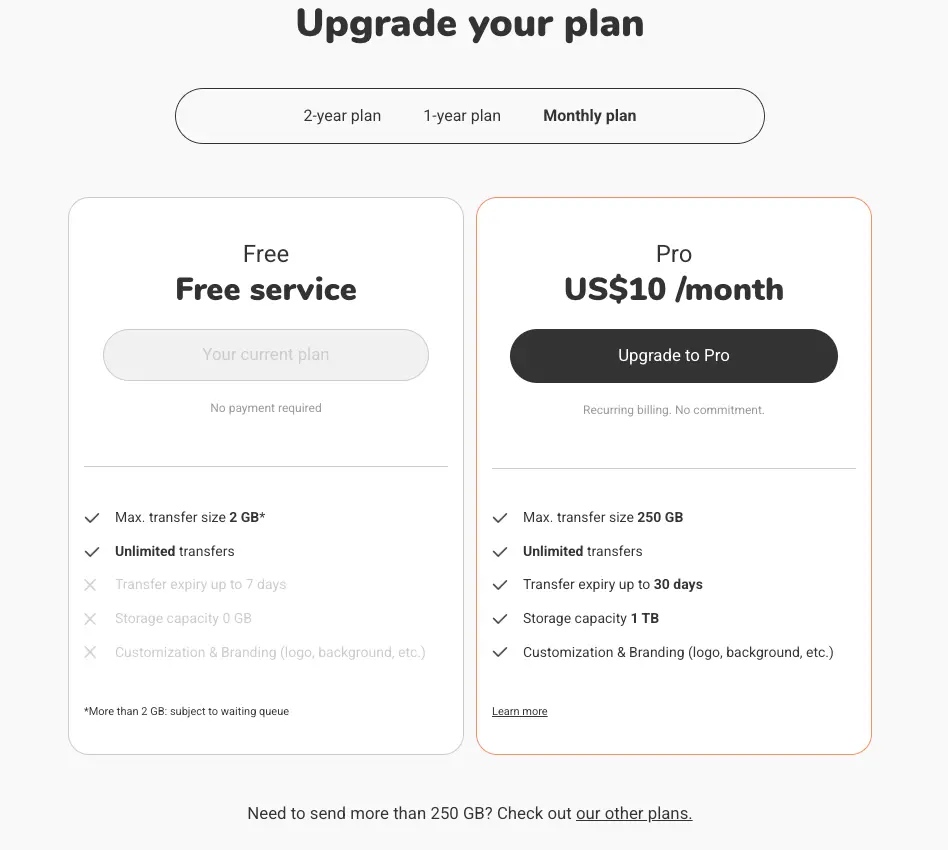
Smash is particularly valuable for users who frequently share massive files. Compared to Transfer Now, it offers fewer restrictions, better security, and unlimited transfer options, making it a top choice for high-volume file sharing.
Send Anywhere
SendAnywhere is a versatile file-sharing platform ideal for cross-device and mobile transfers, providing secure, fast, and original-file-preserving transfers.
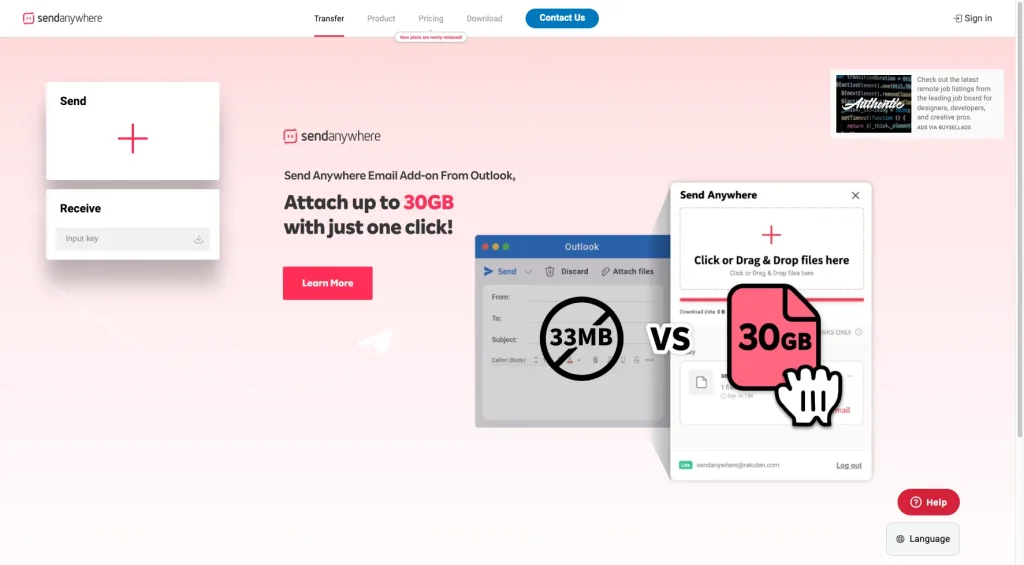
Versatile tool, especially for device-to-device and cross-platform
SendAnywhere allows users to transfer files without altering the original, using a one-time 6-digit key for secure sharing. Its cross-platform support and device-to-device options make it particularly useful for mobile users or teams working in the field.
- Supports local WiFi Direct, which is helpful when internet connectivity is limited or unstable.
- Works seamlessly across Windows, Mac, iOS, Android, and web browsers.
- One-time keys ensure files are only accessible to intended recipients.
- Simple interface with drag-and-drop functionality for quick transfers.
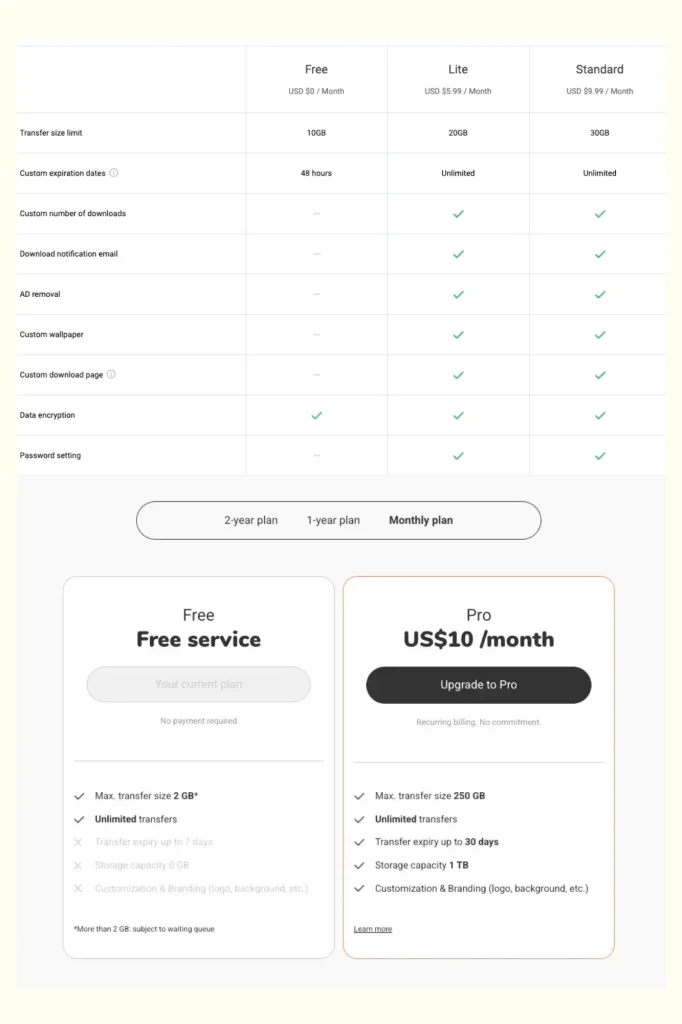
For users needing mobility, on-the-go file sharing, or cross-device collaboration, Send Anywhere is a strong TransferNow alternative. Its combination of security, flexibility, and offline options sets it apart from traditional file-sharing platforms.
Filemail
Filemail is a cloud-based platform built for professional and enterprise-level file transfers, offering secure, high-capacity sharing for heavy workloads.
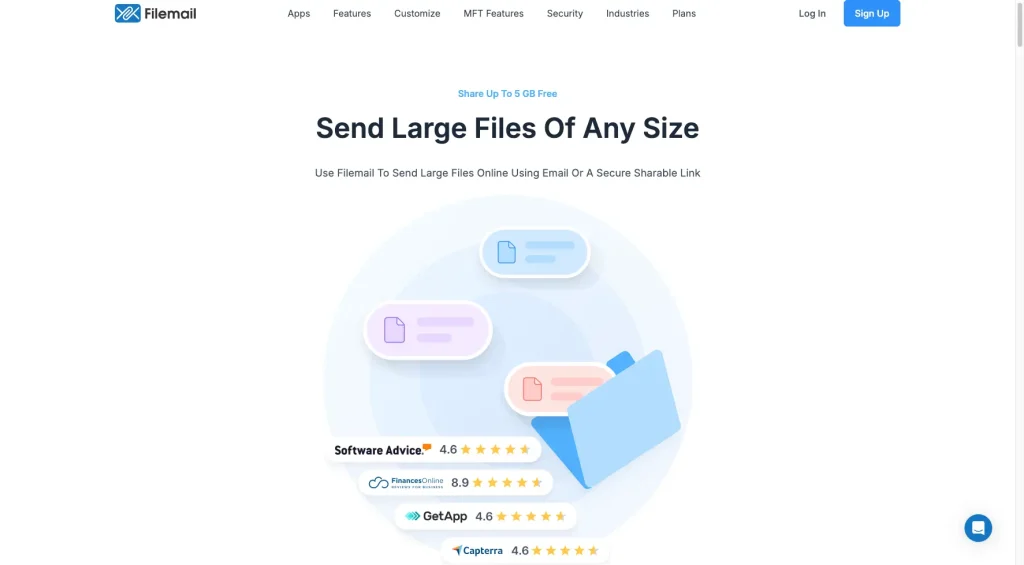
Ideal for very large enterprises or professional transfers
Filemail provides a secure solution for sending large files via email or shareable links, making it a reliable Transfer Now alternative for businesses and professionals.
- Transfer up to 5 GB for free, enough for moderate users.
- Paid versions support much larger files, suitable for enterprise workloads and frequent transfers.
- Offers encryption and secure links to protect sensitive data.
- Includes tracking, notifications, and integration options for business workflows.
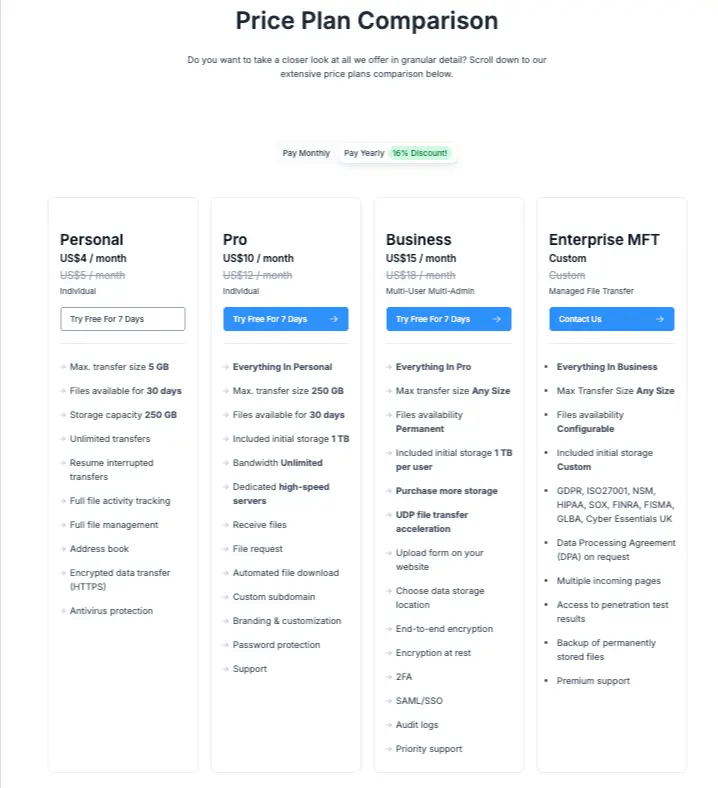
Filemail is perfect for organizations that need to transfer large files regularly and securely. Compared to Transfer Now, it provides higher capacity, enterprise-friendly features, and professional-grade reliability.
Google Drive
Google Drive is a widely used cloud storage and sharing platform, offering familiar interfaces and integrated collaboration features for both personal and professional users.
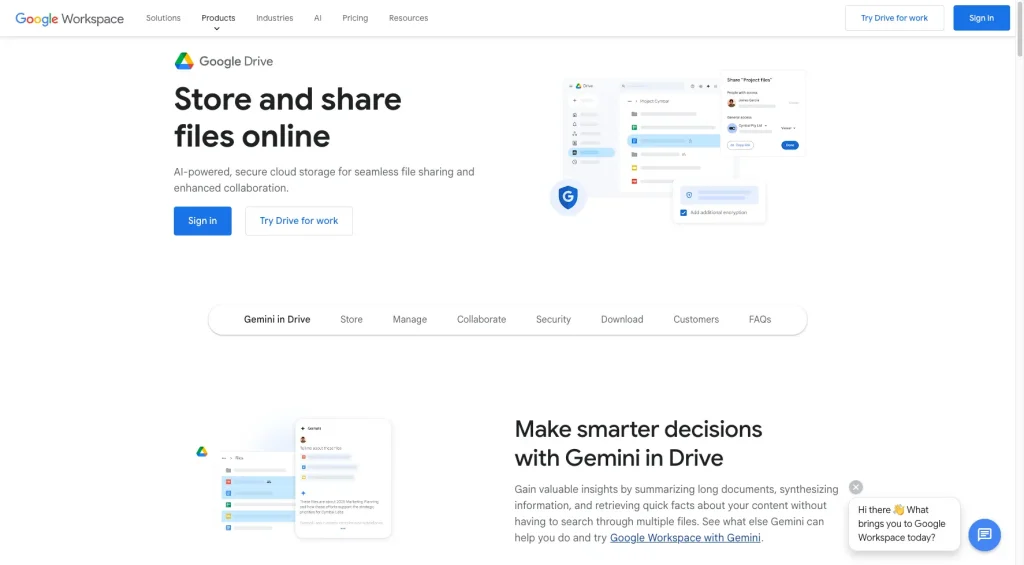
Familiar cloud + share solution
While Google Drive isn’t exclusively designed for large-file transfers, it provides a reliable alternative for users who want integrated storage and sharing capabilities.
- Store files in the cloud and share via links instead of attaching them directly to emails.
- Many users are already accustomed to Google’s ecosystem, reducing the learning curve.
- Real-time editing, commenting, and version history make it ideal for team projects.
- Available on web, desktop, and mobile apps, making it easy to access files anywhere.
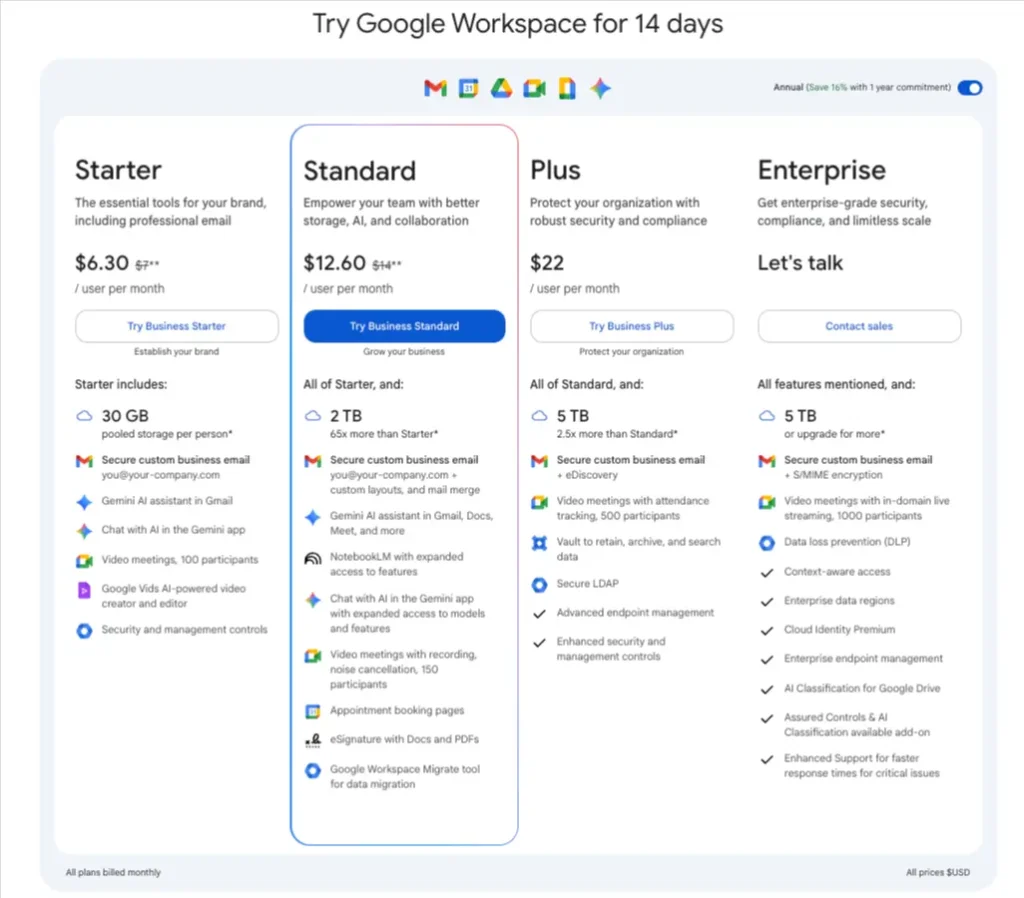
For those seeking a Transfer Now alternative that combines storage, sharing, and collaboration in one platform, Google Drive offers convenience, familiarity, and workflow efficiency, even if it’s not optimized solely for massive file transfers.
Dropbox Transfer
Dropbox Transfer is a professional file-delivery tool designed for creatives and agencies, enabling secure, branded, and trackable file sharing with clients.
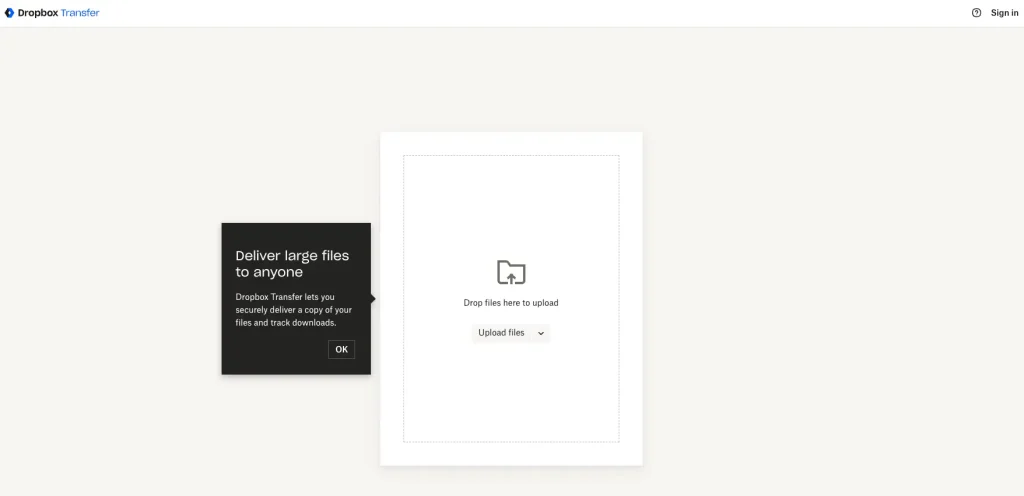
Professional client-delivery tool
Dropbox Transfer focuses on simplifying the delivery of large files to clients while maintaining control, branding, and tracking.
- Customize transfers with logos, messages, and expiration dates for a professional presentation.
- Know when files are downloaded, ensuring accountability and transparency.
- Simple link-based sharing without requiring recipients to have a Dropbox account.
- Supports large media files, designs, and other client deliverables efficiently.
For agencies, designers, and media professionals who need to send files to clients regularly, Dropbox Transfer is a strong Transfer Now alternative. Its client-centric features make it ideal for professional, branded, and trackable file delivery.
pCloud Transfer
pCloud Transfer is a secure file-sharing platform that allows users to send large files effortlessly, with strong privacy features and ease of use.
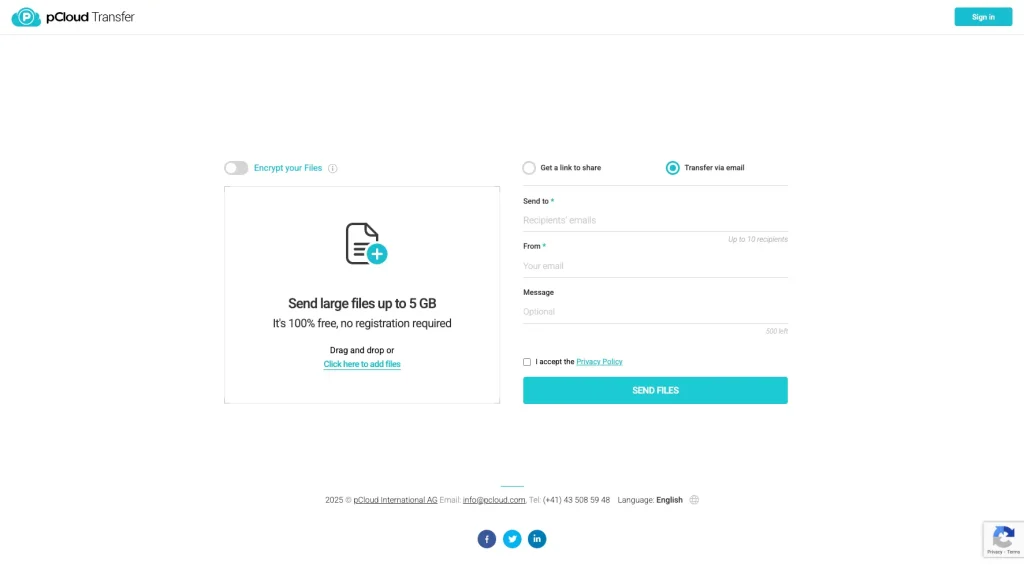
Secure and user-friendly large-file transfers
pCloud Transfer is designed for sending large files quickly, without requiring recipients to sign up for an account. Its focus on security and simplicity makes it a strong Transfer Now alternative.
- Send files up to 5 GB for free, suitable for most personal and professional needs.
- Recipients can download files directly via a shareable link.
- Offers encryption and secure transfer protocols to protect data in transit.
- Simple drag-and-drop interface makes file transfers fast and intuitive.
For users who prioritize security and ease of use in large-file sharing, pCloud Transfer offers a reliable and straightforward alternative to Transfer Now, combining privacy, accessibility, and free transfer capabilities.
Mega
Mega is a cloud storage and file-sharing platform known for generous free storage and strong end-to-end encryption, making it a secure alternative to TransferNow.
Generous free storage + strong encryption
Mega provides a storage-centric solution for users who want to share large files via links or folders while keeping data highly secure.
- Offers significant storage for free, making it suitable for individuals and small teams.
- Ensures that files remain private and protected during transfers.
- Share single files or entire folders easily via secure links.
- Available on web, desktop, and mobile apps for seamless file access anywhere.
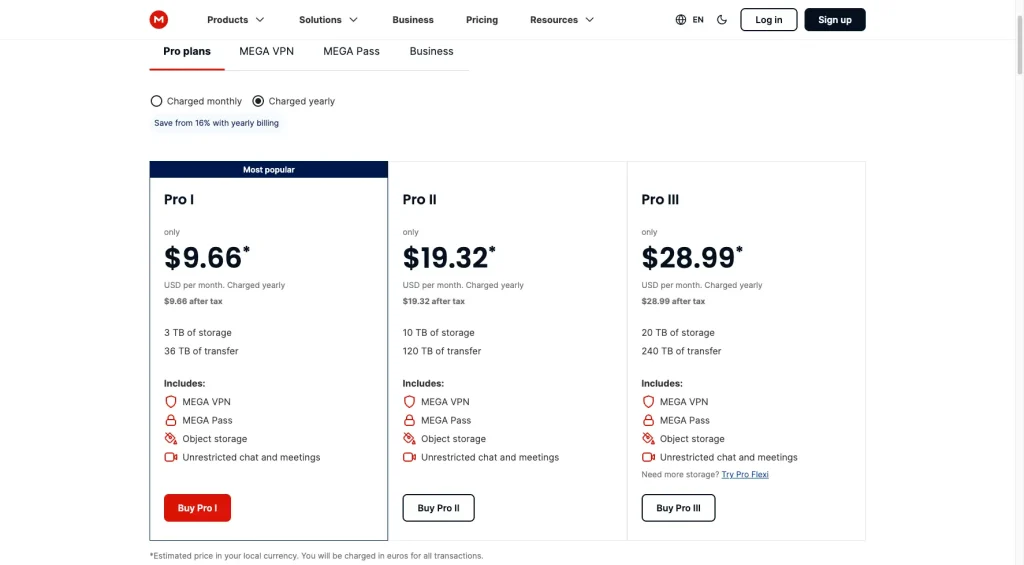
For users looking for a Transfer Now alternative with strong privacy, ample storage, and reliable link-based sharing, Mega provides a secure and convenient solution that balances file-sharing and storage needs.
MediaFire
MediaFire is one of the most affordable cloud storage and file-sharing platforms, making it a practical TransferNow alternative for users who need generous storage without high fees. It’s especially popular among students, freelancers, and small businesses because of its simple interface, low-cost plans, and 1TB+ storage options.
Budget-friendly storage and hassle-free sharing
MediaFire is popular among students, freelancers, and small businesses due to its low-cost plans, intuitive interface, and large storage capacity. It supports direct sharing links, allowing files to be sent quickly without requiring recipients to create an account.
- Up to 10 GB free storage, expandable through referrals.
- 1 TB–2 TB storage at some of the lowest prices on the market.
- Easily upload folders and multiple files at once.
- Available on iOS and Android for on-the-go access.

For users who need a cost-effective, user-friendly TransferNow alternative with generous storage and simple sharing, MediaFire delivers value without sacrificing convenience or accessibility.
Key Features to Look For in a TransferNow Alternative
When evaluating a tool to replace TransferNow, keep an eye on these essential criteria:
- Large file size limits: 20 GB, 50 GB, or unlimited transfers.
- Fast upload & download speeds: Minimal wait time, optimized infrastructure.
- Robust security: Password-protected links, link expiration, encryption.
- Clear, affordable pricing: Free tier with meaningful limits, pay-upgrades that don’t surprise.
- Long-term storage or cloud access: Not just one-time links, but a stable digital home.
- Team/collaboration features: Shared folders, admin rights, and audit logs.
- Nice user experience: Intuitive UI, mobile support, global access.
Why SendMega is the best TransferNow Alternative for 2025-26
Among the list of a number of tools, we have listed SendMega on the top. Let’s dive into why SendMega stands out as the top choice.
Why SendMega Leads?
- It combines fast file sharing, secure cloud storage, and online meetings in one platform.
- Built for simplicity and security, “Your data is yours… advanced encryption and transparent practices.”
- Share files directly via a link or email your files and folders without the need for any login or credit card details.
- Extra security for the data with a self-destruction feature. The data will automatically be deleted once the receiver downloads it.
- Larger file size limits (compared to TransferNow and other tools).
- An all-in-one tool rather than separate tools for sharing, storage, and meeting.
In short, doing a 40 GB transfer, hosting a meeting, and storing the assets all within one SendMega session would be awesome with SendMega.
How to Send Large Files via Email (When Tools Aren’t Enough)
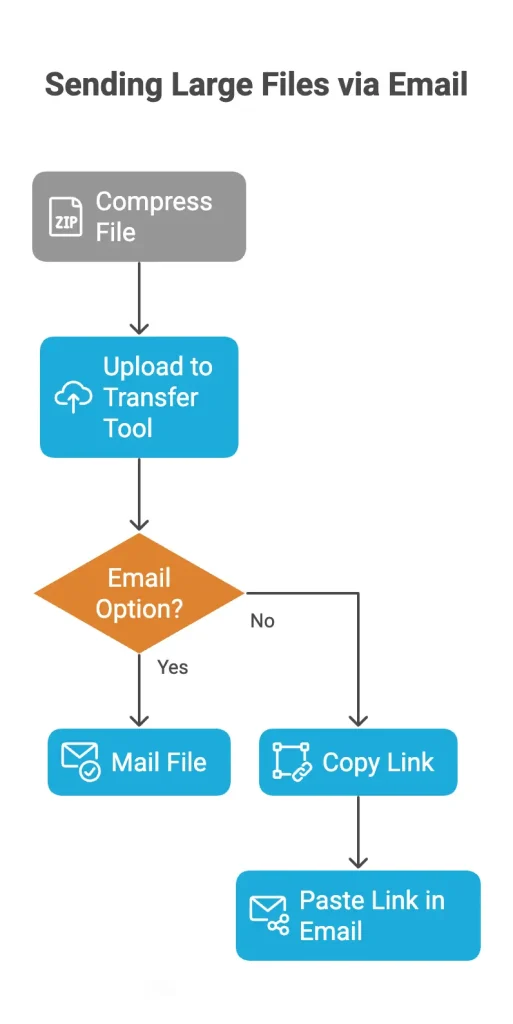
Many users ask how to send large files via email when attachment limits block them. Here’s a clear, practical guide.
Methods to send large files via email
- Compress the file into a ZIP/RAR to reduce size.
- Upload to a transfer tool (e.g., SendMega) and generate a link.
- Select the email option (in SendMega) and mail your file, folder, video or images. If not using SendMega copy the link and paste it into your email.
Which TransferNow Alternative Is Best for Businesses?
Business use cases demand more than basic sharing; they need collaboration, branding, audit logs, team seats, and security. Here’s how SendMega and others compare:
-
SendMega:
One platform for sharing, cloud storage, and video meetings reduces tool sprawl. -
Google Drive/Dropbox:
Excellent for collaboration and document workflows. -
Filemail Enterprise:
Best for extremely large files and heavy transfer loads. -
pCloud:
Focused on encryption and privacy for regulated industries.
Example
A global marketing agency uses SendMega so that their creative team uploads files, their review team meets via built-in video, and logo assets are stored securely, all under one roof.
Conclusion
If you’re looking for a TransferNow alternative that combines speed, security, ease, and all-in-one capabilities, SendMega is your top pick. For lighter needs, tools like WeTransfer, Smash, Google Drive, or Dropbox are solid. But if you want the best balance of features for freelancers, teams, and enterprises alike, SendMega leads the pack.
Final takeaway
If you send large files often, collaborate across teams, or host meetings as part of your workflow, switching to SendMega gives you a future-proof platform that replaces multiple tools and grows with your needs.
FAQs
SendMega combines fast file sharing, secure cloud storage, and online meetings in one platform, offering larger file limits and better value than many older tools.
Yes, SendMega is designed for high-volume file transfers with strong infrastructure and minimal size restrictions compared to older platforms.
While WeTransfer’s free plan is limited (2 GB) and paid tiers get expensive, SendMega offers 20 GB free link transfer and email sharing options, positioning itself as a leading alternative.
Yes, SendMega uses end-to-end encryption, password-protected links, and advanced security to ensure your files remain private and controlled. While people seem to have a little privacy concern with the latest updates of a few alternatives.
Upload your file to SendMega, click the 3 dots, select “send via email,” and add the recipient’s and sender’s email addresses. Verify your email with the verification code. The files have been sent successfully.
SendMega, WeTransfer, and Mega can be used to share files and folders globally.
Yes, tools like Google Drive, Smash (free tier), pCloud Transfer, and SendMega’s free version can meet lighter file-sharing needs.
Choose based on how frequently you send large files, how big those files are, and whether you need long-term storage or branding. Paid plans make sense when free tiers become limiting.

Recent Posts





All Categories
- Cloud Storage (4)
- File Share (4)
- Guides (2)
- News (2)
- Online Meetings (2)